instax Link WIDE: Print wide-format photos directly from your iPhone
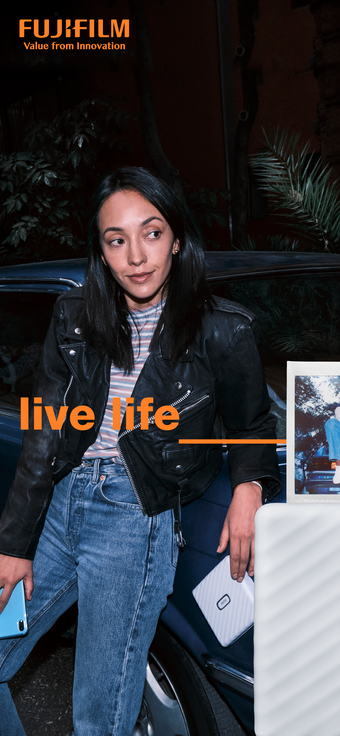
You open the camera roll and want a bold, wide physical print; instax Link WIDE by FUJIFILM Corporation lets you turn those phone images into large-format instant photos. The app connects your device to the WIDE printer and supports on-device editing, quick composition, and frame selection from videos so you can prepare a final image before sending. Templates and stickers let you personalize layouts, and the app suits event hosts, casual photographers, and creative sharers who value tangible keepsakes.

Unlock your creativity with Adobe Stock
Get 10 images or 1 video with a free trial
The app acts as a creative hub that expands a digital photo into a layered physical object
You can make edits inside the app, combine multiple shots into collages, import sketches or handwritten overlays, and embed QR codes that link to sound, web pages, locations, or secret text. Those creative additions expand the printed photo beyond a simple snapshot. Collage print and sketch overlay tools encourage tangible, personalized outputs rather than a straight device-to-paper copy.
Printing uses Bluetooth pairing and runs on modern iOS devices
The app pairs with the WIDE printer over Bluetooth 4.2 (BLE) and runs on iPhone, iPad, and iPod touch with iOS 12.0 or later, so your device must meet those minimums for wireless printing. The Video Print feature lets you scrub through video footage to select a single frame for a wide-format print, making moving moments printable without third-party editing.
Wide-format film and two selectable color profiles shape final appearance
The app targets FUJIFILM's WIDE film, which is roughly twice the area of instax mini film and changes how composition and detail appear on paper. Color control comes via two selectable profiles, instax-Natural and instax-Rich, so you can choose a muted or saturated finish before sending to print. These options affect perceived contrast and saturation rather than raw file resolution.
The workflow shortens time to print while keeping basic image adjustments available
Simple Print mode shortens the path from selection to output, while the in-app editor offers crop, rotate, filters, and brightness/contrast/saturation adjustments for last-minute fixes. The workflow supports quick checks and minimal editing before printing. User feedback on the App Store skews positive, indicating most users find the process straightforward for event and casual use.
A practical gateway into physical wide-format prints, with a framing caveat
Backed by FUJIFILM's long history in instant photography and the instax line, the app gives you a direct path from phone to wide-format film, ideal if you want tactile keepsakes at gatherings. However, some users report a slight default crop applied during the printing process, so inspect framing before you print. For hesitant creators, this app is an accessible entry point into physical instant media.